Bookings
Appointments that fill themselves
Customers pick a service, a day and a time that you actually have free. Double bookings are blocked, confirmations are sent, and your calendar stays correct without a single phone call.
Who it is for
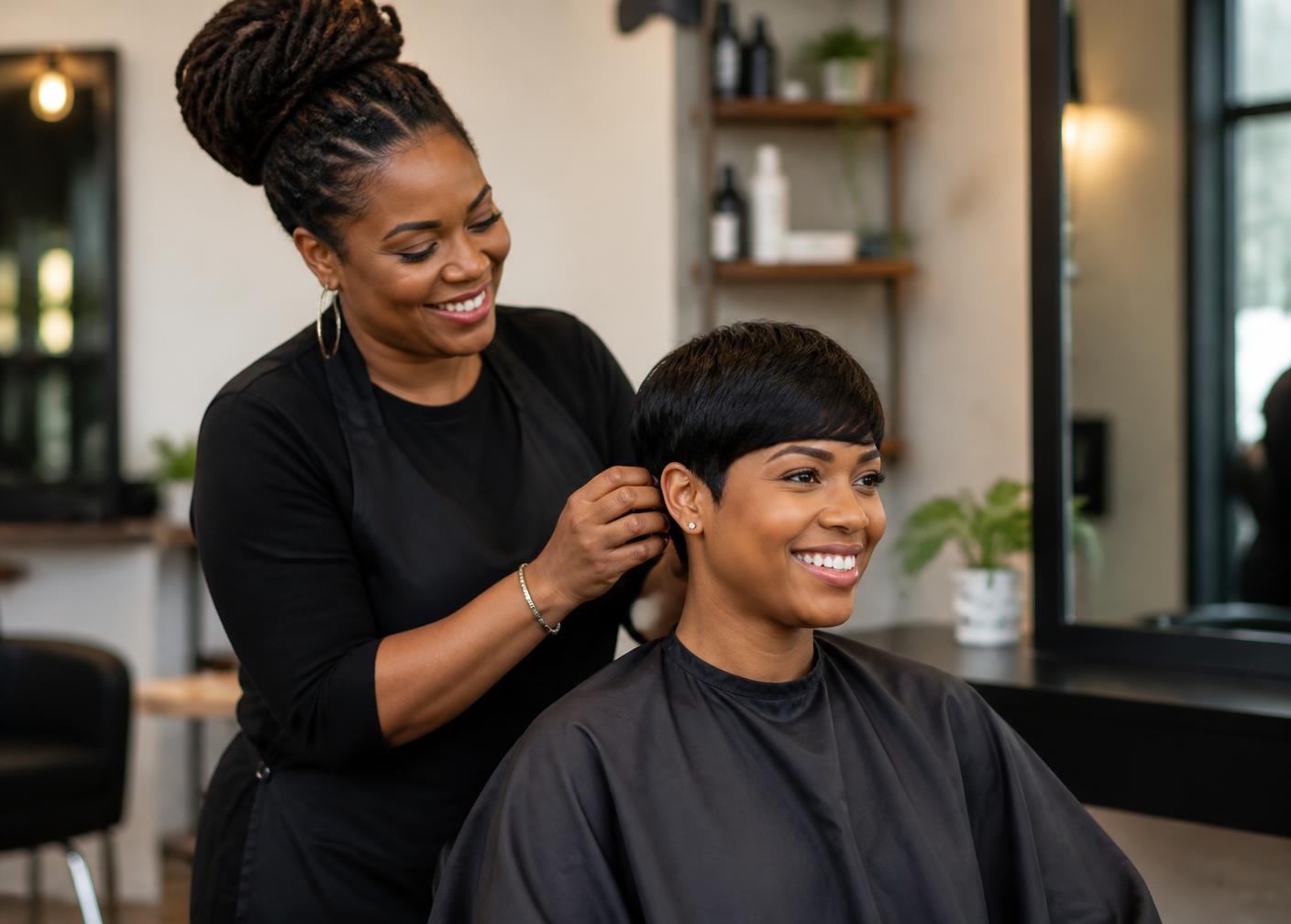
For anyone who sells time: salons, barbers, tattoo studios, coaches, therapists, trainers, repair shops and consultants.
Salon with three chairs
Each stylist has their own hours and services. Customers pick a person or let the first free slot decide.
Coach with online sessions
60-minute sessions with a 15-minute break in between, booked in the customer's own time zone.
Repair shop with drop-off windows
Short drop-off slots in the morning, longer jobs in the afternoon, nothing outside opening hours.
Only real availability
Slots come from your opening hours, service duration, buffer time and existing appointments — never from a static list.
Reminders that reduce no-shows
Automatic e-mails before the appointment, with a link to reschedule or cancel.
Self-service for customers
Customers move or cancel their own appointment through a private link, within the notice period you set.
Works in your time zone
Everything is calculated in your business time zone, so travelling customers still book the right moment.
What you get
- A public booking page and booking button for your business
- Services with their own duration, price and buffer time
- Weekly opening hours, breaks, holidays and one-off closures
- Automatic confirmation e-mails to you and your customer
- Reminder e-mails before the appointment
- A dashboard and agenda with every appointment and its status
How it works
- 01
Add your services with a duration and price.
- 02
Set your weekly hours, breaks and days off.
- 03
Share your booking link, QR code or button.
Good to know
Lead time is yours to set
Decide how far in advance someone must book and how far ahead your calendar is open.
Cancellations follow your rules
Set a notice period. Inside that window the self-service link asks the customer to contact you instead.
Prepayment is optional
Bookings work without any payment. Add a deposit per service only where you need it.
Questions about bookings
Can several people take bookings?
Yes. Add team members with their own availability, and customers pick who they want to see.
Can I block a day quickly?
Yes — add a day off or a calendar block and those slots disappear immediately.
What stops two people booking the same slot?
Availability is calculated on the server at the moment of booking, and a slot that is already taken is refused.
Can I take bookings without a website?
Yes. Share the booking link or QR code directly; the business page is optional.
Do customers need an account?
No. They fill in their name, e-mail and optional phone number, and get a private link to manage the appointment.
Can I add appointments myself?
Yes. Anything you add in the agenda blocks that time for online bookings too.
Works well with
Ready to use bookings?
Set up your business in minutes and start taking bookings and payments.